If you’ve been on developer Twitter, YouTube, or product forums lately, you’ve probably seen the phrase “vibe coding.” Sometimes it’s praised as the fastest way to ship. Other times it’s blamed for messy codebases and weird bugs.
So what is vibe coding really—and how do you use it for web development without turning your project into a maintenance nightmare?
In this guide, you’ll learn what vibe coding means, why it’s trending, the tools people use, and a practical workflow (with prompts) you can apply to real websites and web apps.
What is vibe coding?
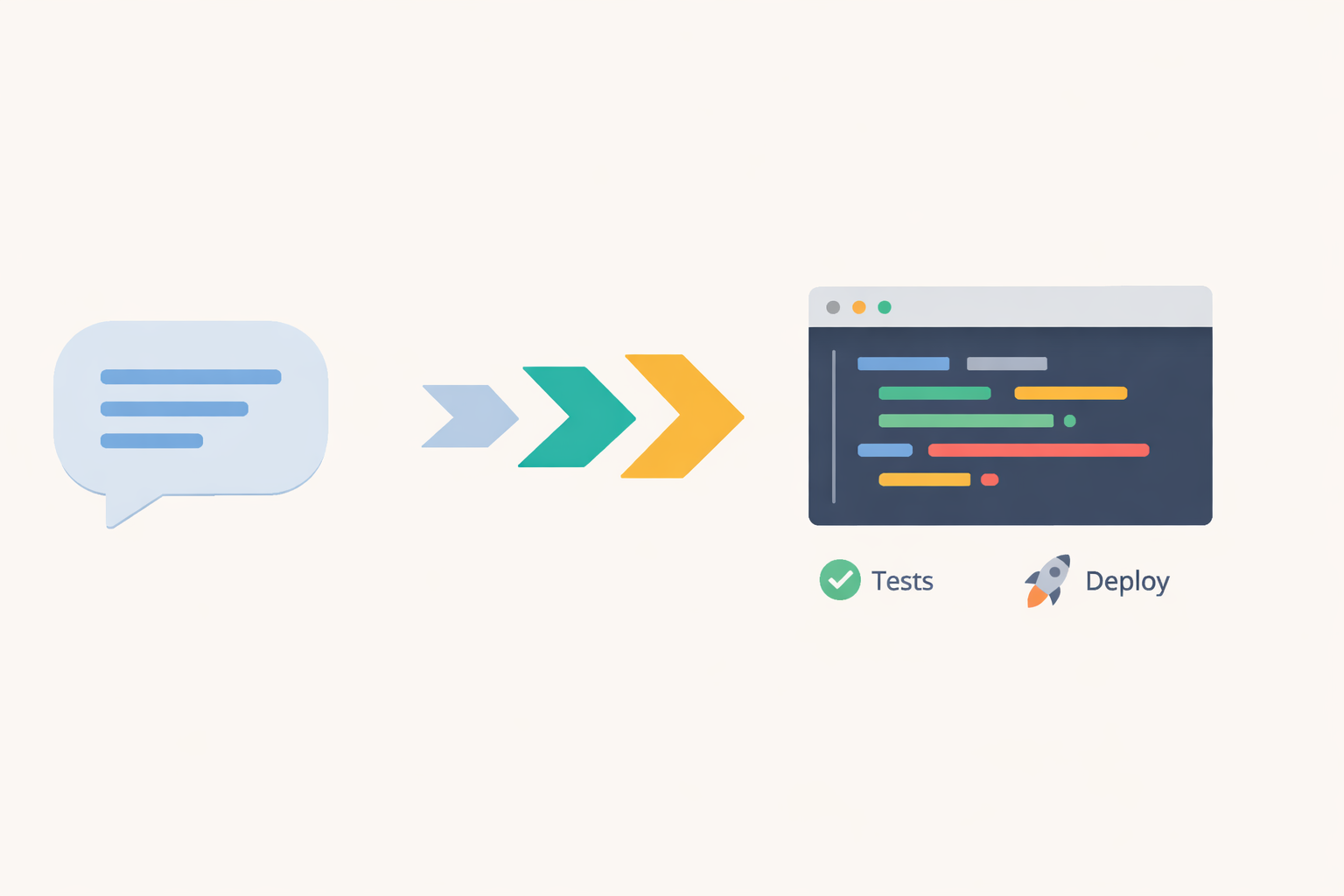
Vibe coding is an AI-first coding style where you describe what you want in plain language and let an AI generate most (or all) of the code. Instead of writing every line manually, you “steer” the build by iterating on prompts, running the app, and asking the AI to fix or improve what you see.
The term got popular because it captures a real shift: many developers now spend more time directing code than typing it.
Vibe coding vs AI-assisted coding (quick difference)
- AI-assisted coding: you code normally, AI helps with snippets, autocomplete, and suggestions.
- Vibe coding: you rely on AI for large chunks of the solution and iterate through instructions and testing.
Done well, vibe coding feels like building with a super-fast teammate. Done poorly, it’s how you end up with code you don’t understand and can’t confidently ship.
Why vibe coding is blowing up in 2026
Vibe coding is trending for three simple reasons:
- Speed: you can go from idea → prototype in hours, not days.
- Accessibility: non-traditional builders (designers, PMs, founders) can create working web apps with less coding background.
- Tooling got good: modern editors and AI “agents” can generate, refactor, and explain code faster than ever.
But speed comes with tradeoffs—especially when you’re building anything that handles user data, payments, authentication, or production traffic.
When vibe coding is a great idea (and when it’s not)
Great use cases
- Landing pages, marketing sites, and content blogs
- MVP dashboards (internal tools)
- Prototypes for user testing
- Small automations (forms, email flows, simple APIs)
- UI building: components, layout, accessibility improvements
Risky use cases (unless you’re very careful)
- Authentication and authorization
- Payments and billing
- Anything involving sensitive data (PII)
- Security-critical features (file uploads, admin panels)
- Large teams / long-lived codebases
If you’re shipping to production, the goal isn’t “AI wrote it.” The goal is “we can maintain it, test it, and secure it.”
The best vibe coding tools for web development
You don’t need 10 tools. You need a small, reliable stack:
1) An AI-friendly code editor
Many developers use editors that support “agent” workflows—where the AI can create files, refactor, and run multi-step tasks (not just autocomplete). (Common examples mentioned in the ecosystem include Cursor-style workflows.)
2) A web framework with strong conventions
Pick something with clear structure so the AI doesn’t invent chaos. For many web projects that means:
- React-based frameworks (like Next.js)
- Or a simpler stack if you’re building a basic site
3) A deployment platform you trust
Use a platform that makes preview deployments easy, so you can test quickly and roll back safely.
4) Testing + linting (non-negotiable)
Even lightweight tests help you avoid “it worked once” bugs:
- ESLint + Prettier
- TypeScript (if you can)
- Unit tests for utilities
- A few end-to-end checks for critical flows
A practical vibe coding workflow that actually works
Here’s a workflow you can repeat on almost any web project.
Step 1: Lock the “definition of done”
Before you prompt anything, write a short spec:
Example spec (copy/paste):
- Purpose: Personal blog about web dev + AI
- Pages: Home, Blog list, Single post, About, Contact
- CMS: WordPress (Gutenberg) or headless WP
- Must-have: Fast load, accessible typography, SEO basics, mobile-first
- Nice-to-have: Table of contents, related posts, newsletter signup
This spec becomes your “guardrails.” Without it, the AI will happily build features you didn’t ask for.
Step 2: Ask for an architecture plan (not code)
Prompt:
“Create a plan for building a WordPress blog post about vibe coding. Include H1/H2 structure, FAQ, internal link suggestions, and an SEO checklist. Do not write the post yet.”
Why this matters: you’ll catch problems early, before you have 1,500 words heading in the wrong direction.
Step 3: Generate in sections
Instead of “write the full article,” do this:
- Intro + hook
- Definition + context
- Tools
- Workflow
- Pros/cons
- Safety checklist
- FAQ
- Conclusion + CTA
This gives you better quality and makes editing easier.
Step 4: Add “reality checks”
Vibe coding fails when nobody verifies anything.
Use these prompts as quality gates:
Prompt:
“List the top 10 likely bugs, security issues, or edge cases in this approach. Give fixes.”
Prompt:
“Rewrite this section for clarity at an 8th–10th grade reading level without losing technical accuracy.”
Prompt:
“Add a short checklist of what to test before publishing.”
This turns vibe coding from “just vibes” into “fast + controlled.”
The biggest mistakes people make with vibe coding
Mistake 1: Shipping code you don’t understand
If you can’t explain how it works, you can’t safely maintain it.
Minimum standard: you should understand:
- where data comes from
- how it’s validated
- who can access it
- how errors are handled
Mistake 2: Skipping security basics
AI can generate insecure patterns—especially around authentication, file uploads, and database queries. If your project is production-facing, build in safety:
- validate inputs (server-side)
- use parameterized queries / ORM best practices
- protect admin routes
- rate limit sensitive endpoints
- never commit secrets
Mistake 3: No tests, no types, no linting
This is how “fast” becomes “fragile.”
Even minimal coverage helps:
- one unit test file for utilities
- one end-to-end test for login/checkout (if relevant)
- TypeScript for key modules
Mistake 4: Letting the AI change too much at once
Large refactors are where projects break.
Rule: small changes, frequent runs, frequent commits.
A safe “vibe coding” checklist for web projects
Before you publish a vibe-coded feature, verify:
- Inputs validated (client + server)
- Auth checked on server routes
- Error states handled (loading, empty, failed)
- No secrets in code
- Performance basics (image optimization, caching)
- Accessibility basics (headings, labels, contrast, keyboard)
- SEO basics (title, meta, headings, internal links)
- Tested on mobile + one modern desktop browser
FAQ: Vibe coding for web development
Is vibe coding the same as no-code?
Not exactly. No-code tools hide code completely. Vibe coding still produces code—you’re just generating it through prompts and iteration.
Can beginners use vibe coding to learn web development?
Yes, but it depends how you use it. If you always ask AI to “just fix it,” you may build apps without understanding fundamentals. If you ask it to explain and you verify with tests, it can accelerate learning.
Is vibe coding safe for production websites?
It can be—if you apply engineering discipline: reviews, tests, security checks, and careful deployment. Many criticisms of vibe coding are really criticisms of shipping unreviewed code.
What’s the best way to “prompt” for web features?
Be specific:
- state the framework and version
- provide your file structure
- define acceptance criteria
- ask for tests
- ask for edge cases
Final thoughts: use the speed, keep the discipline
Vibe coding is a real shift in how web projects get built: more intent, more iteration, less boilerplate typing. The upside is speed and creativity. The downside is risk—especially if you stop reviewing and start trusting blindly.
If you treat vibe coding like a superpower with guardrails, you’ll ship faster and sleep better.